


Android Anti Lost Smart Tag
White
$32.99
Sale price
$32.99
Regular price
$0.00
Skip to product information


Android Anti Lost Smart Tag
$32.99
Sale price
$32.99
Regular price
$0.00
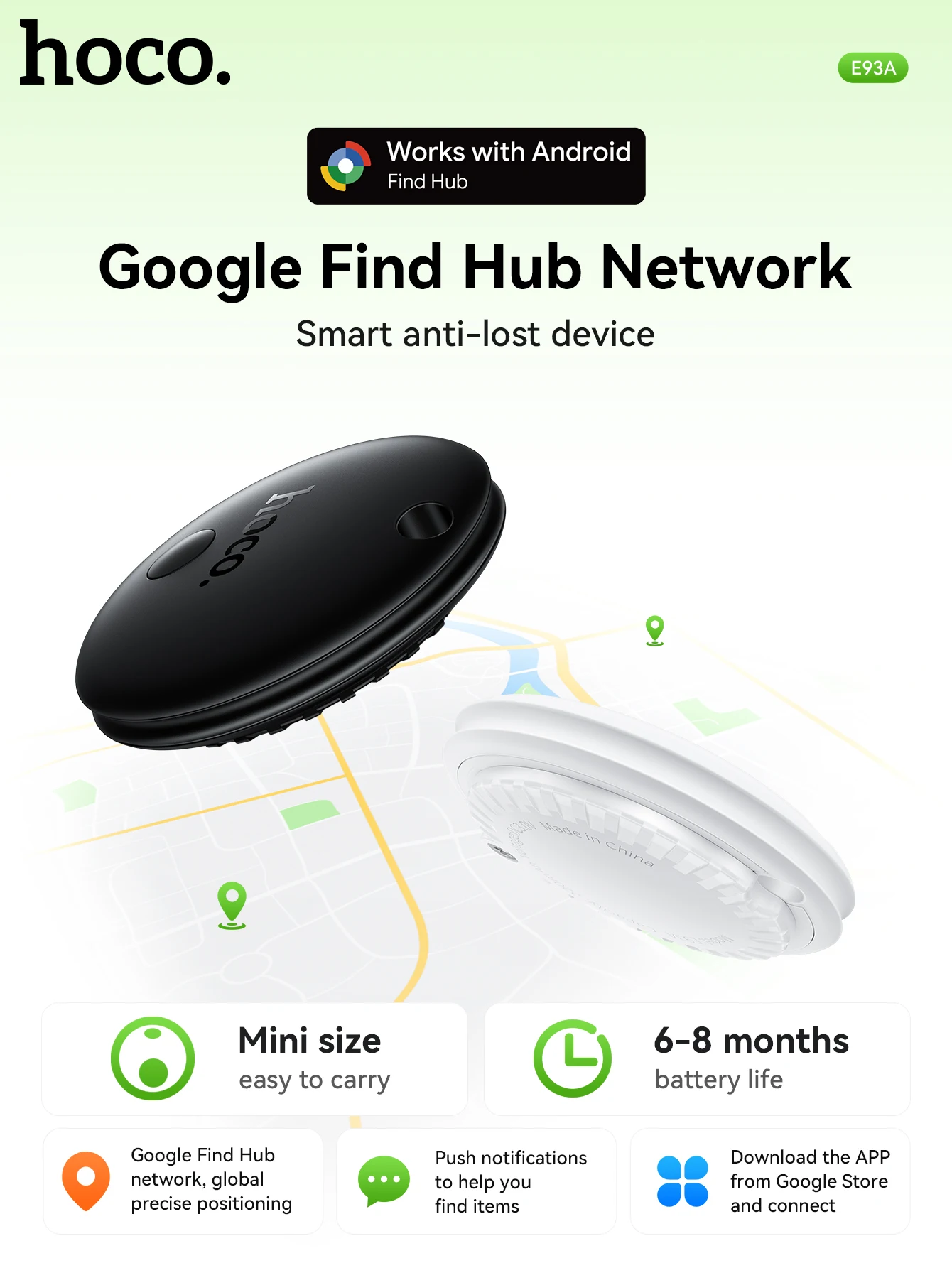
HOCO E93A intelligent positioning anti-lost Tag device For Android Smart Phone
!!Note :Not available in mainland China, North Korea, Cuba, Iran, Russia and Ukraine!!
Product information
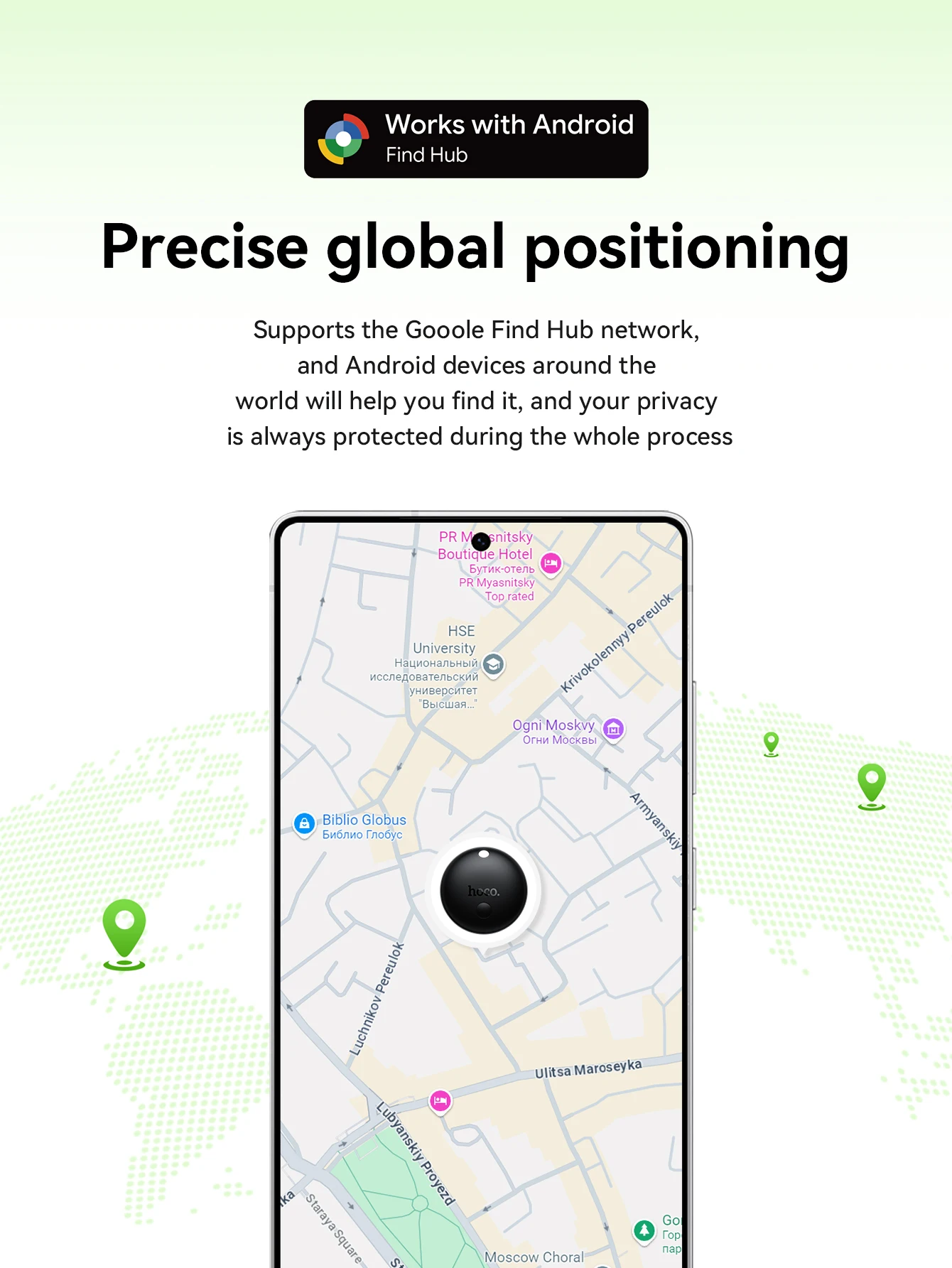
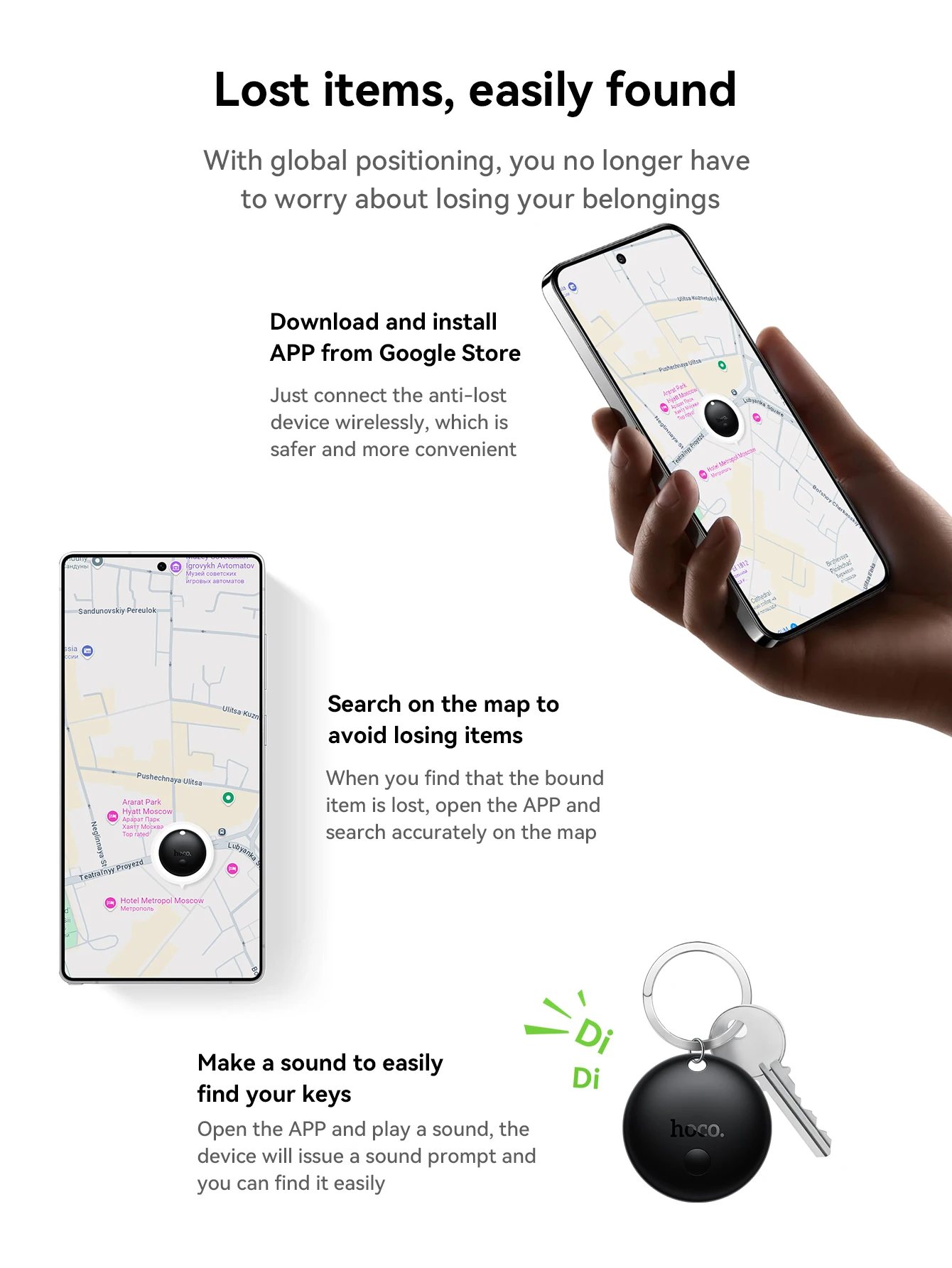
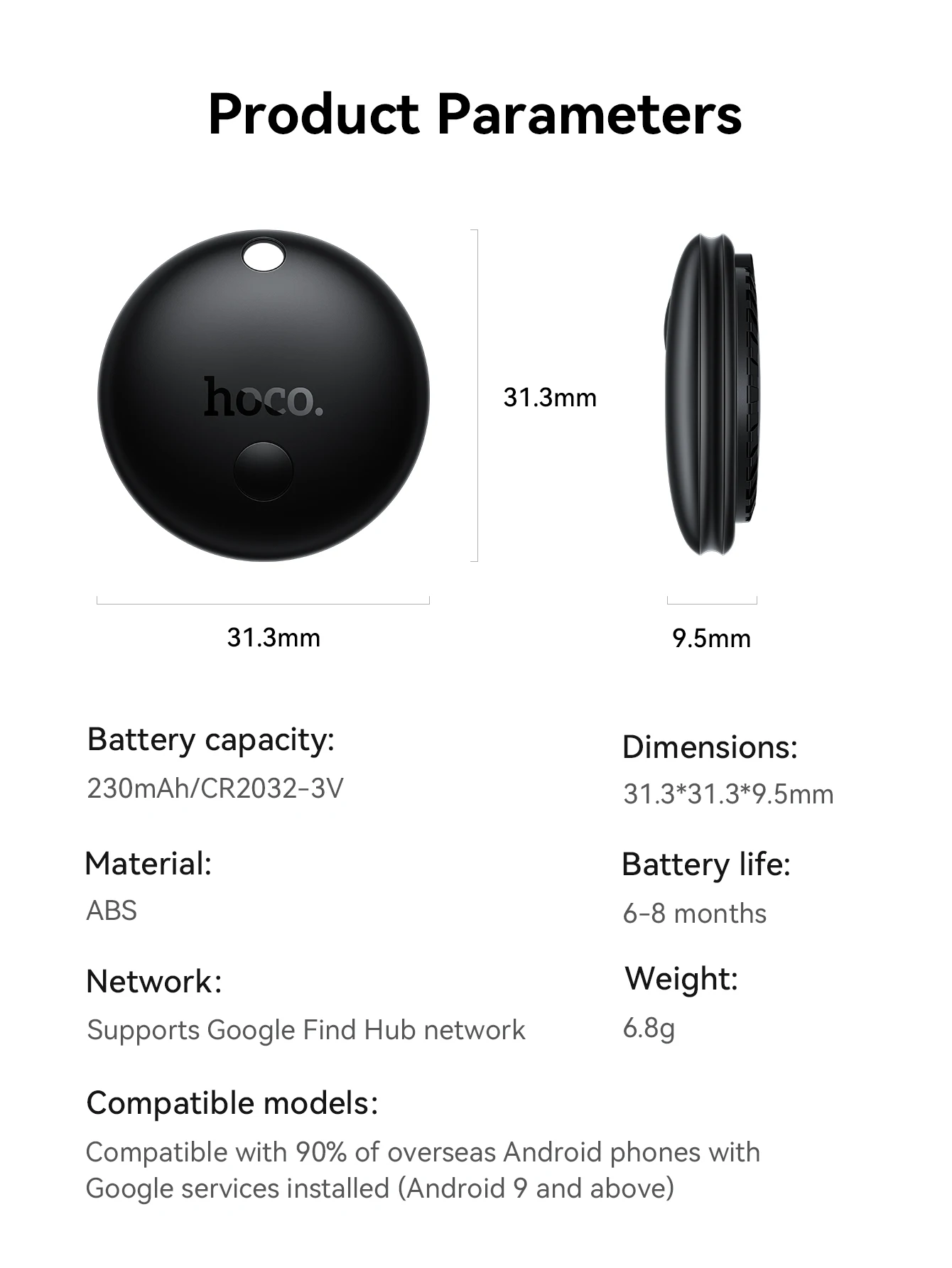
1. Support for Google Find My Device network
2. Material: ABS
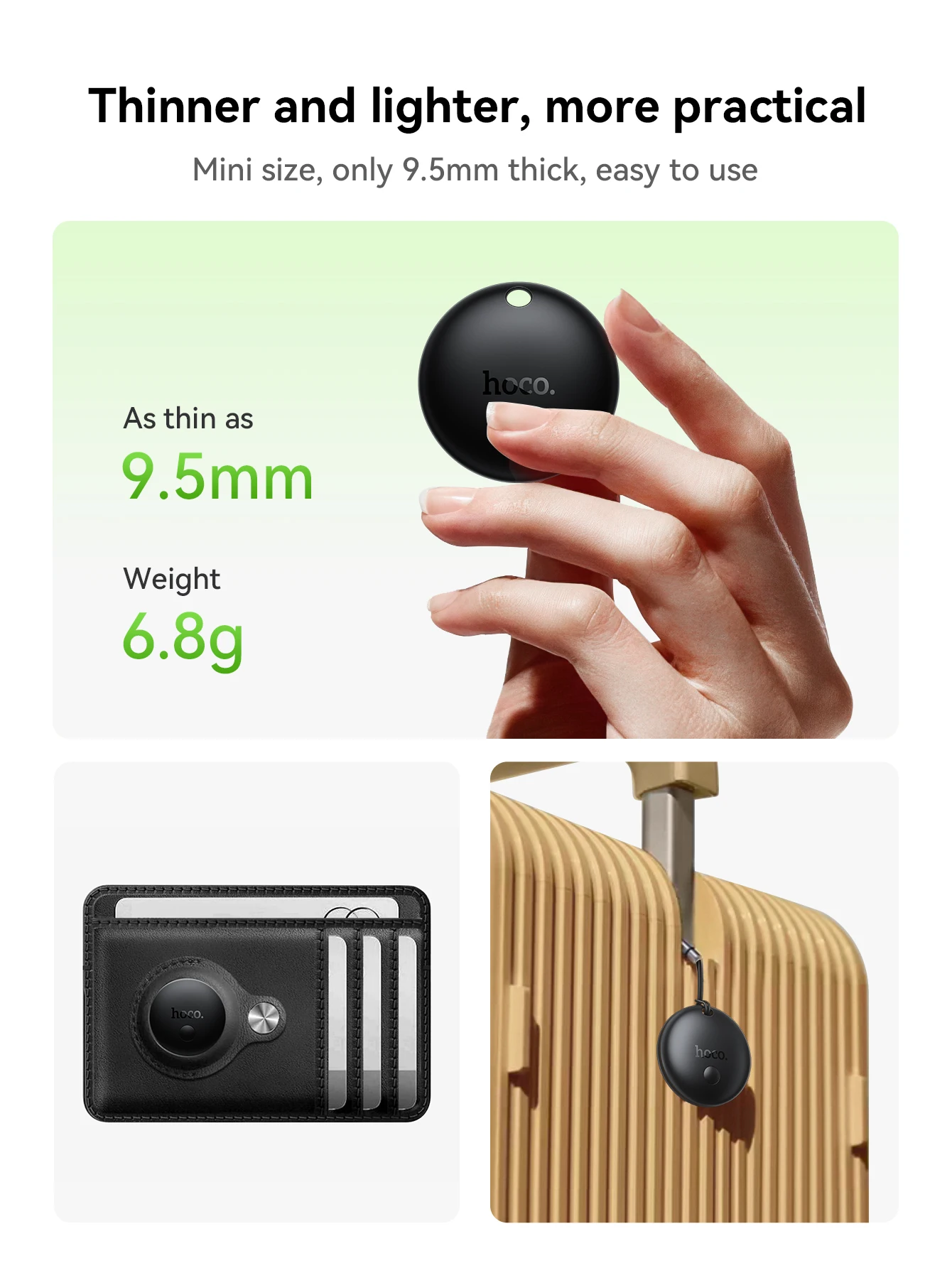
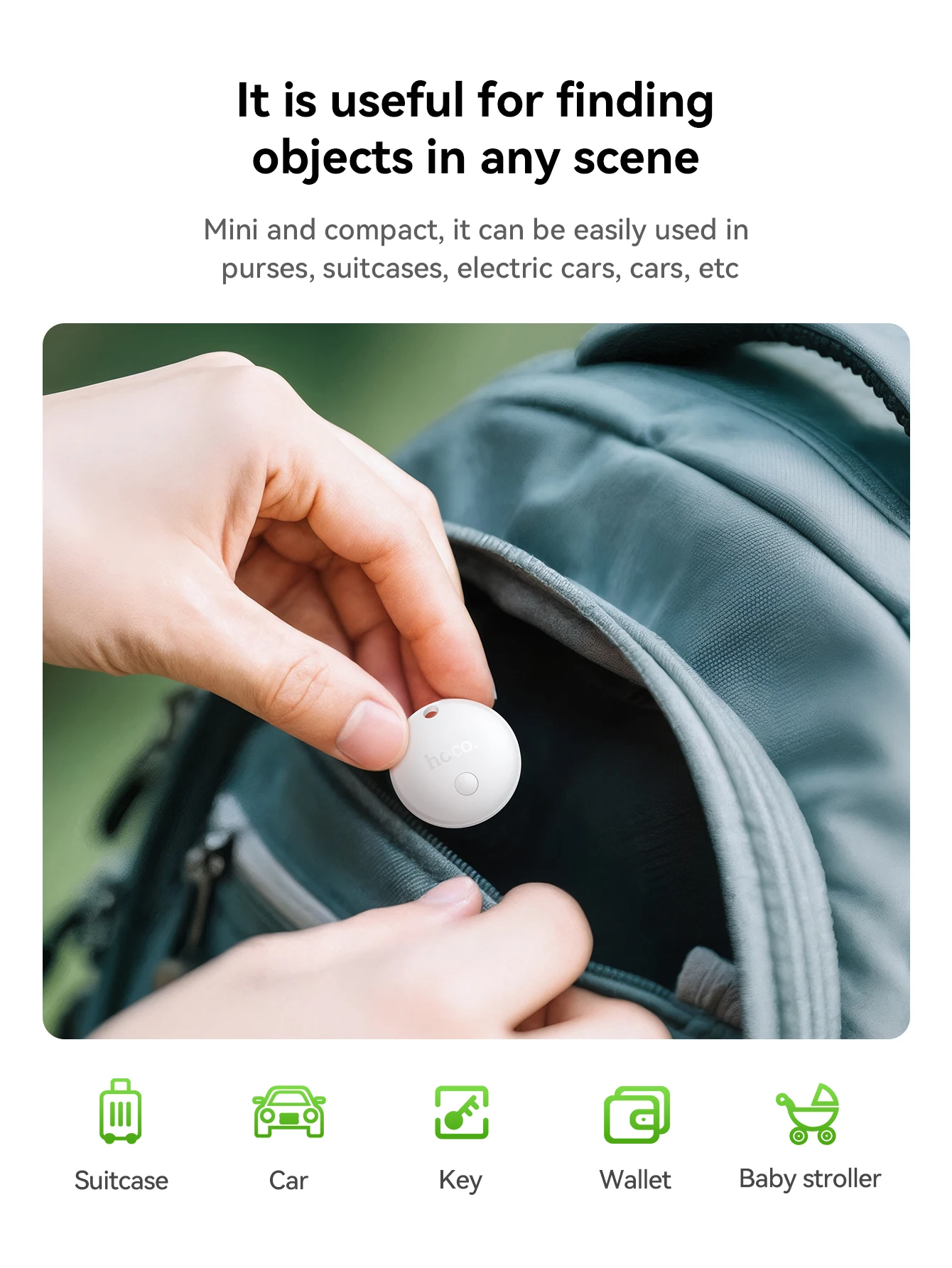
3. Size: 31.3 * 31.3 * 9.5mm; Weight: 6.8g
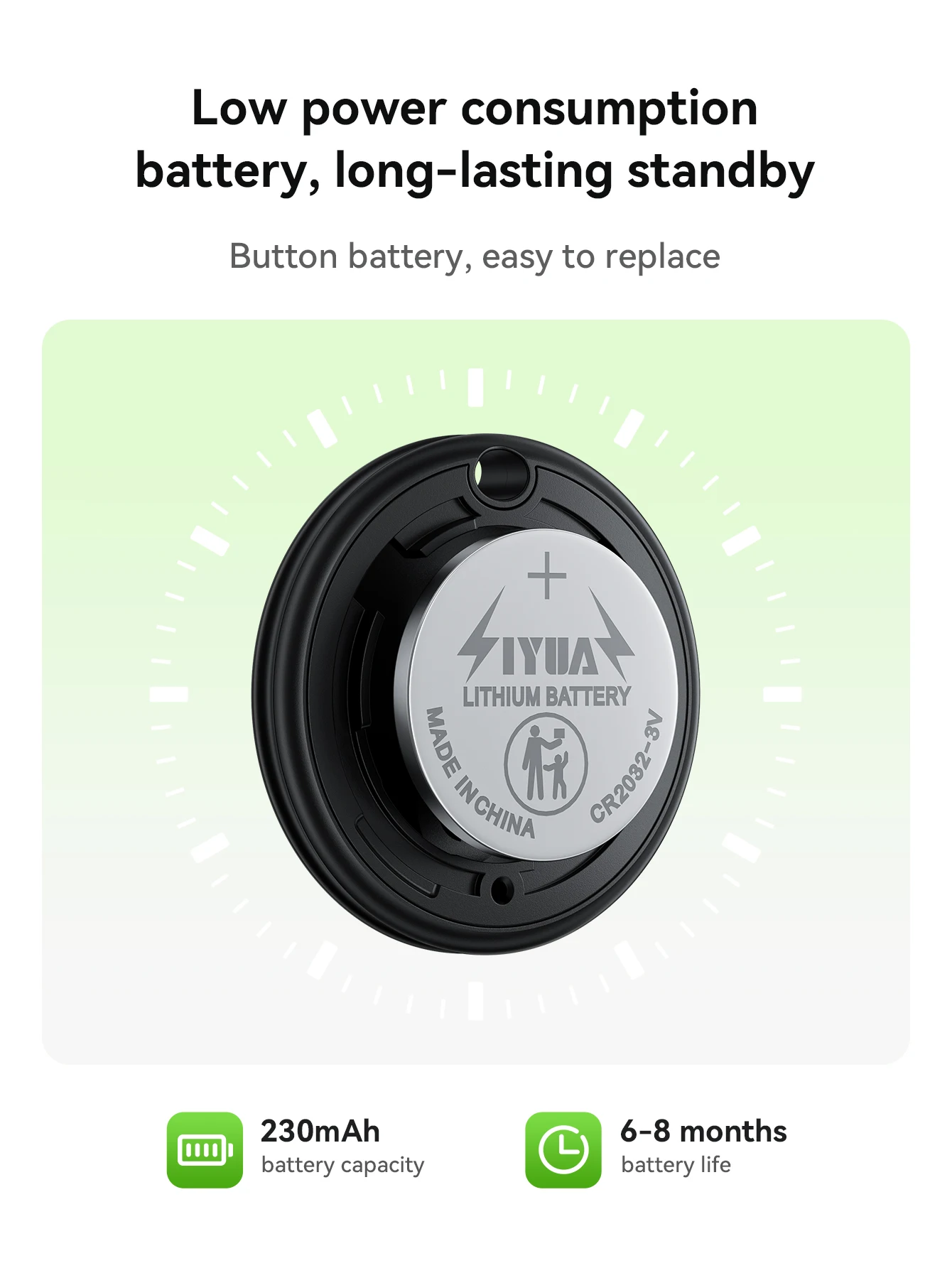
4. Battery: 230mAh/CR2032 button battery; Battery life: 6-8 months
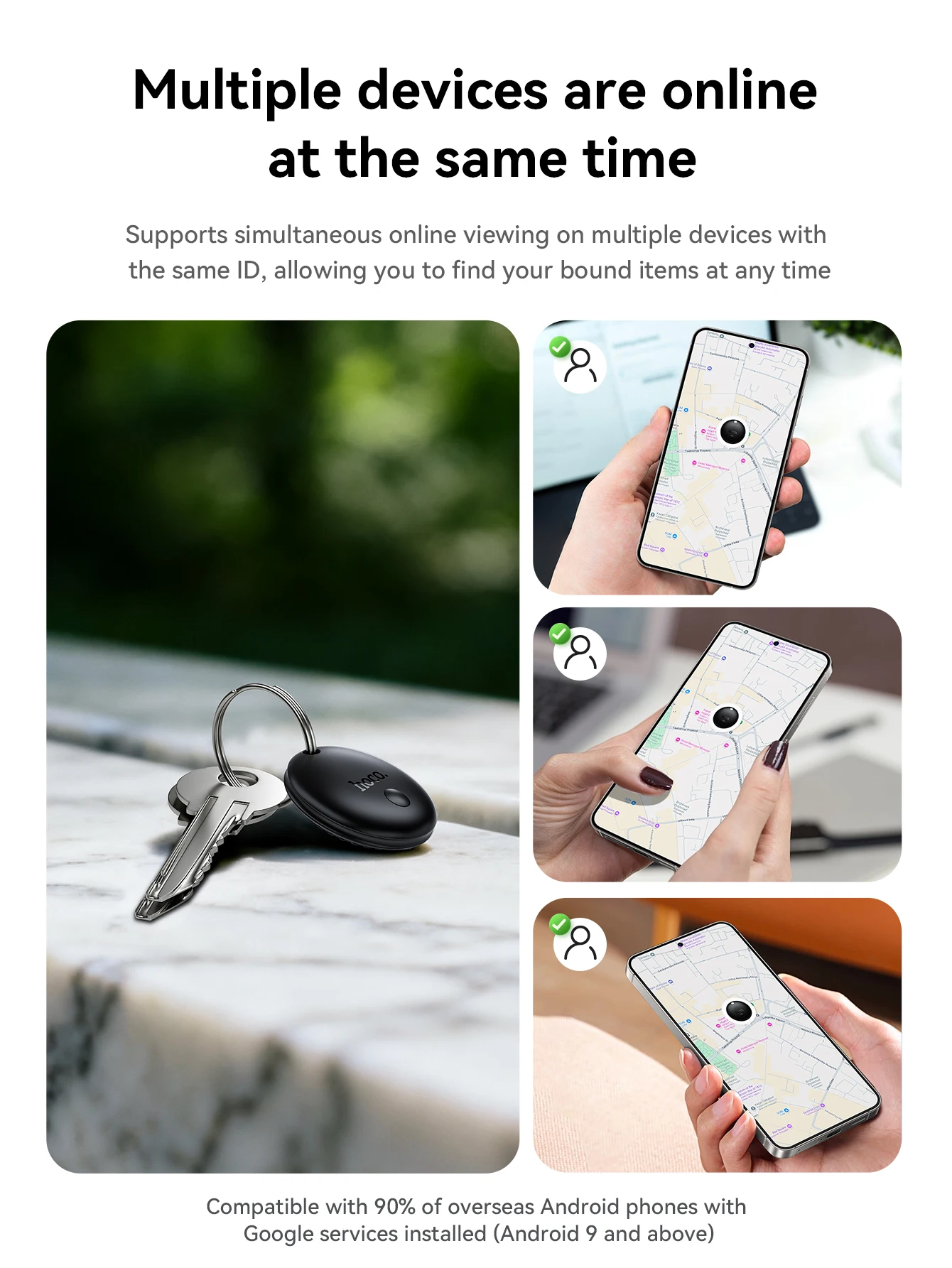
5. Compatible with 90% of foreign for Android phones with Android system versions 9 and higher, which are bundled with Google Suite (not available in mainland China, North Korea, Cuba, Iran, Russia and Ukraine), download and install via for Google Store.
Note: Not available in Chinese Mainland, North Korea, Cuba, Iran, Russia and Ukraine!!!
Smart Tracker for Android : The Android version Tag is Support for Google Find My Device network location tracker that works with Find My Device (Find Hub) app on Android phones (Android 9 or higher, NOT for iOS devices). Attach this android tracker to the items you usually misplace and let it help you find your keys, bag, suitcase, toy, etc.
How to Conncet the Anti-lost Device?
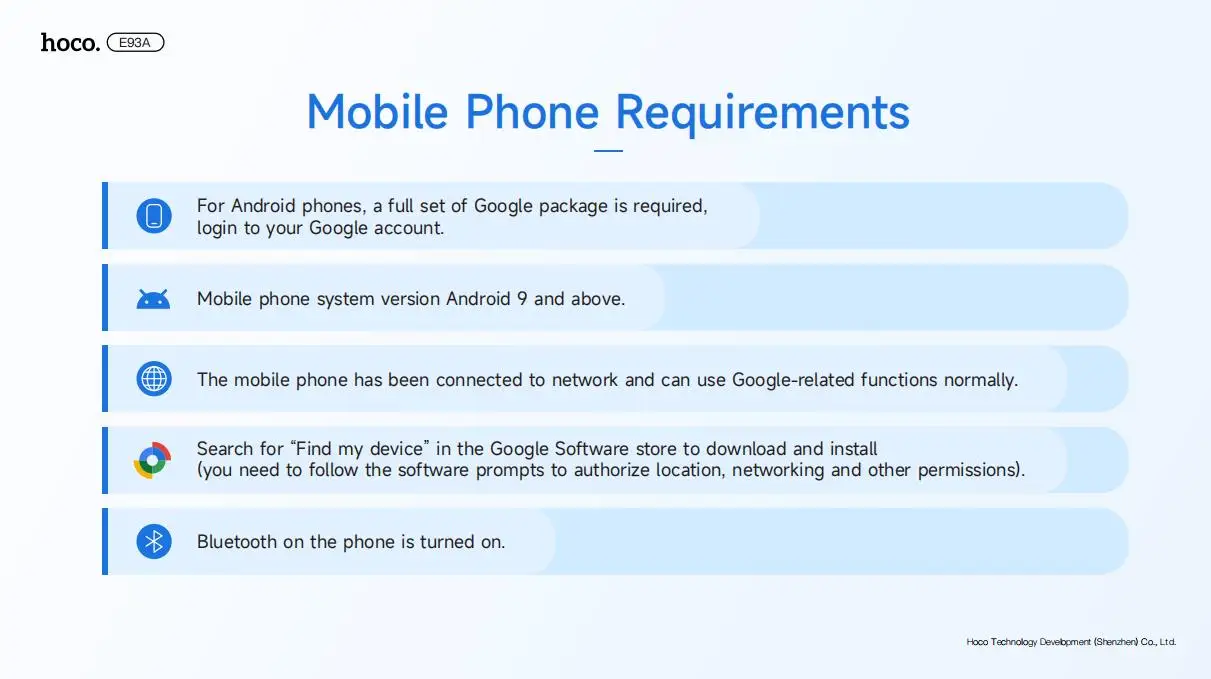
Mobile Phone Requirements
.For Android phones, a full set of Google package is required,login to your Google account.
.Mobile phone system version Android 9 and above.
.The mobile phone has been connected to network and can use Google-related functions normally.
.Search for "Find my device"in the Google Software store to download and install(You need to follow the softwware prompts to authorize location, networking and other permissions)
.Bluetooth on the phone is turned on.
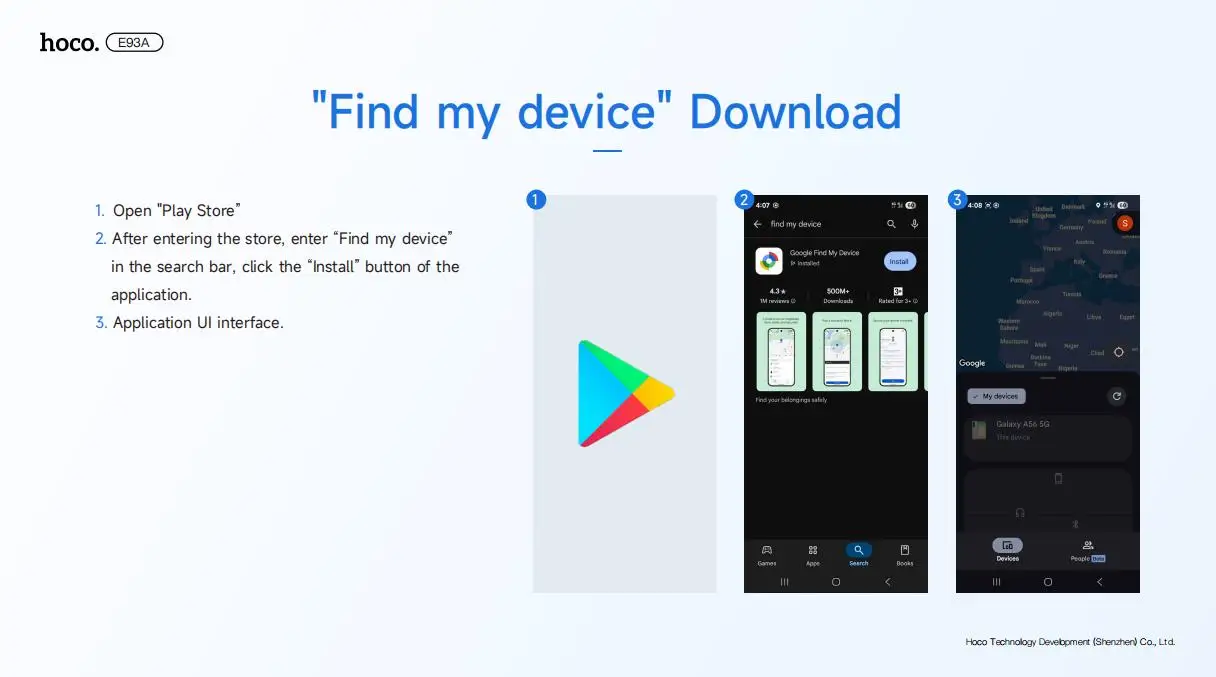
"Find my device" Download
. Open "Play Store"
. After entering the store, enter "Find my device"in the search bar, click the "Install" button of the application.
. Application UI interface.
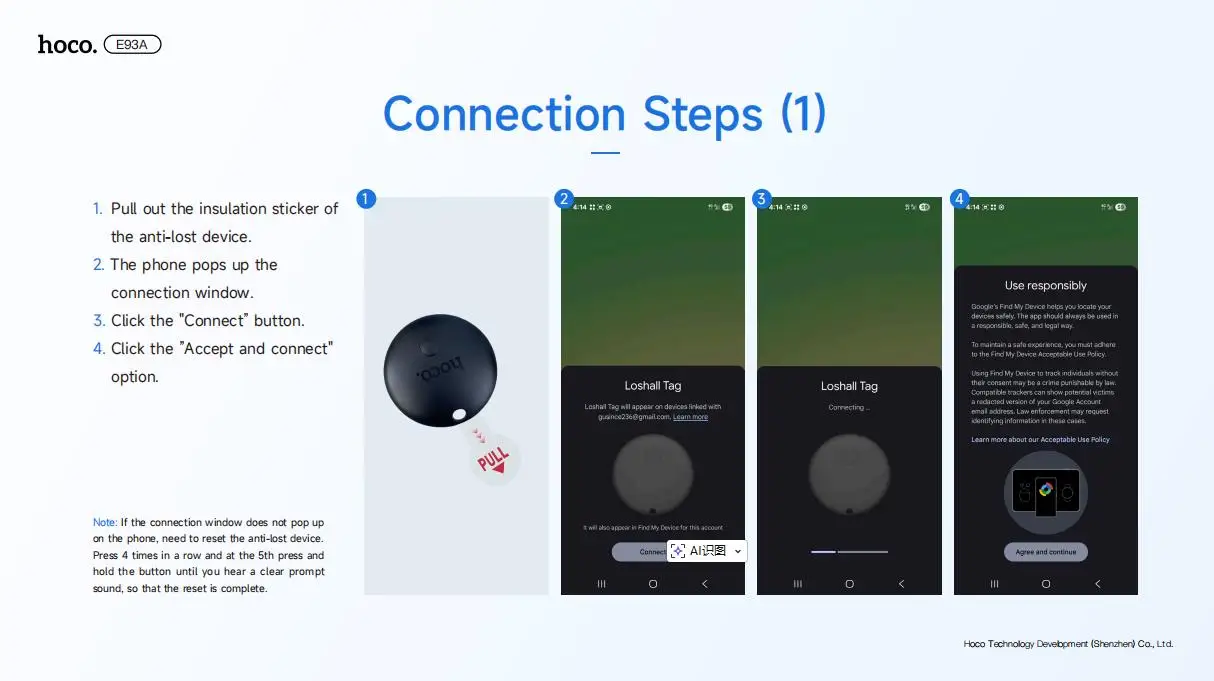
Connection Steps
.Pull out the insulation sticker of the anti-lost device.
.The phone pops up the connection window.
Note: If the connection window does not pop upon the phone, need to reset the anti-lost device.Press 4 times in a row and at the 5th press andhold the button until you hear a clear promptsound, so that the reset is complete.
Click the "Connect" button.
. Click the "Accept and connect"option
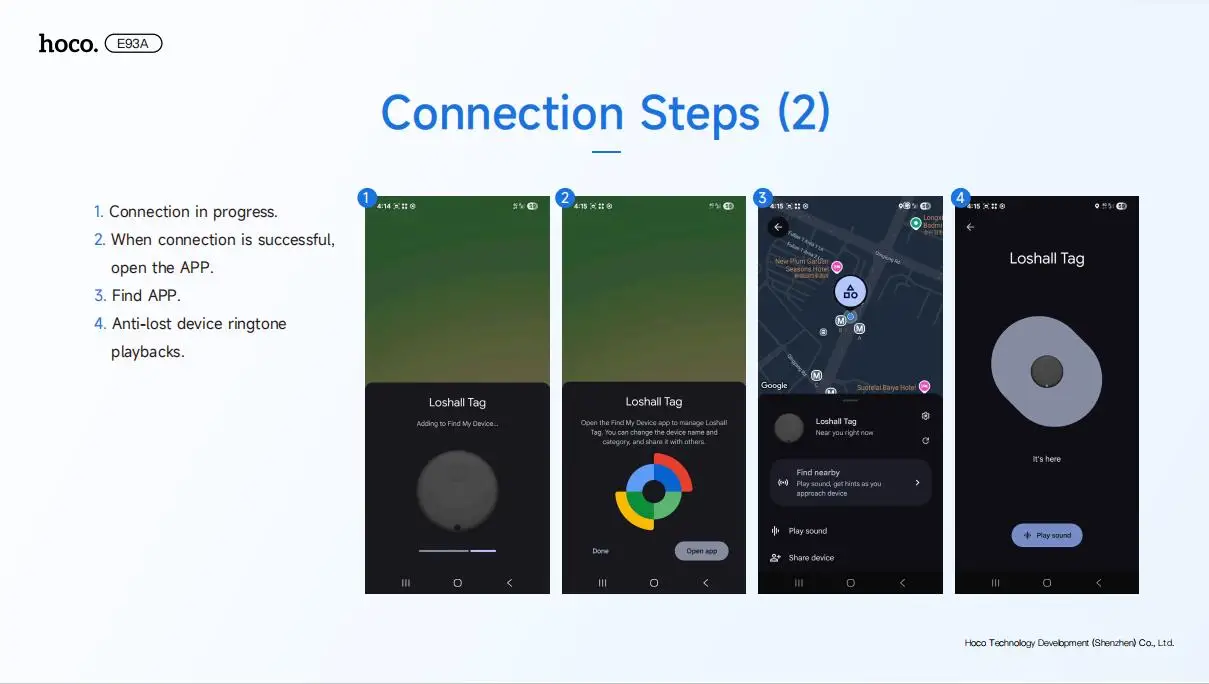
. Connection in progress.
When connection is successful,open the APP.
. Find APP
⑧. Anti-lost device ringtone playbacks
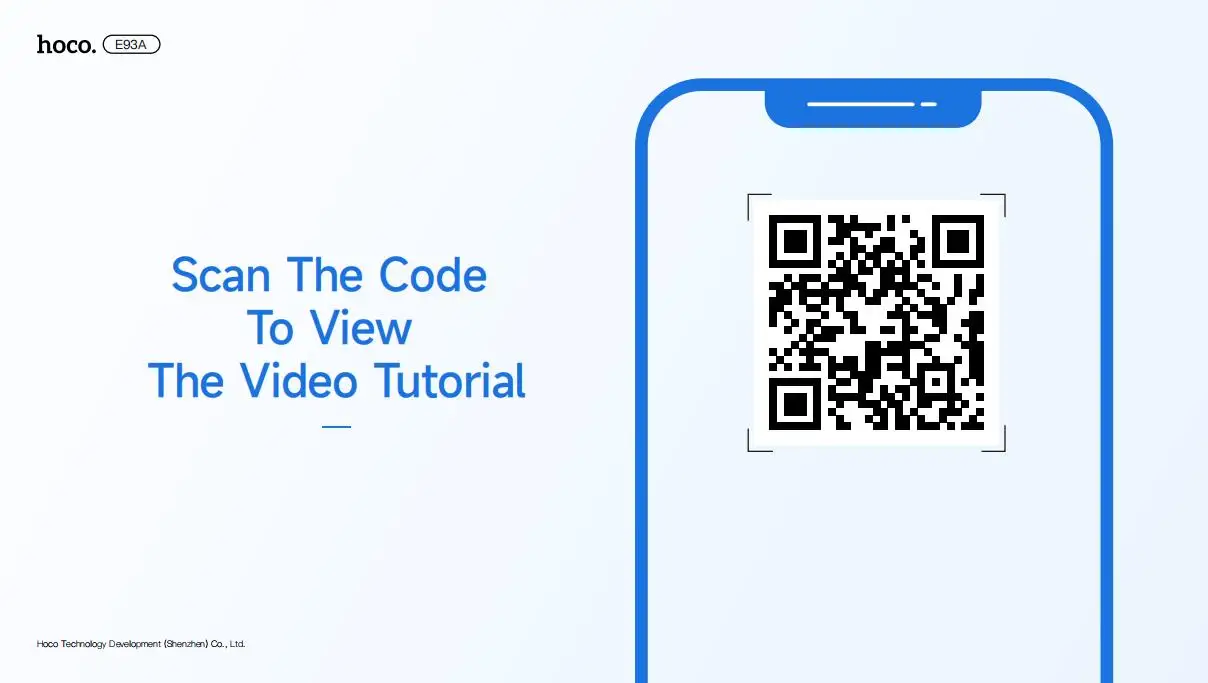
Or Scan the Code To View the Video Tutorial
Details
This product is crafted with quality materials to ensure durability and performance. Designed with your convenience in mind, it seamlessly fits into your everyday life.
Shipping & Returns
We strive to process and ship all orders in a timely manner, working diligently to ensure that your items are on their way to you as soon as possible.
We are committed to ensuring a positive shopping experience for all our customers. If for any reason you wish to return an item, we invite you to reach out to our team for assistance, and we will evaluate every return request with care and consideration.


